🌤
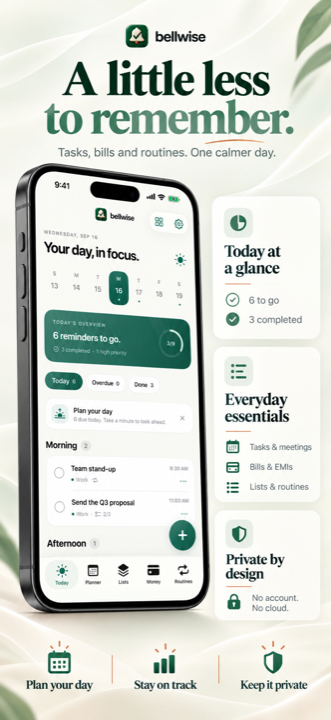
Today, in focus
Morning, afternoon and evening, an overview ring for what you have finished, and filters for what is due, overdue or done.
For iPhone, iPad and Mac
Bellwise holds your tasks, bills and routines in one calm place — and tells you at the right moment. No account, no cloud, nothing to set up.
 iOS 17 or later · macOS 14 or later
Swipe through Bellwise: today at a glance, a planner you can see a month ahead in, lists that sort themselves, bills that never surprise you, and routines that build a streak.
One app for the errand, the electricity bill, the morning run and the trip you are planning.
Morning, afternoon and evening, an overview ring for what you have finished, and filters for what is due, overdue or done.
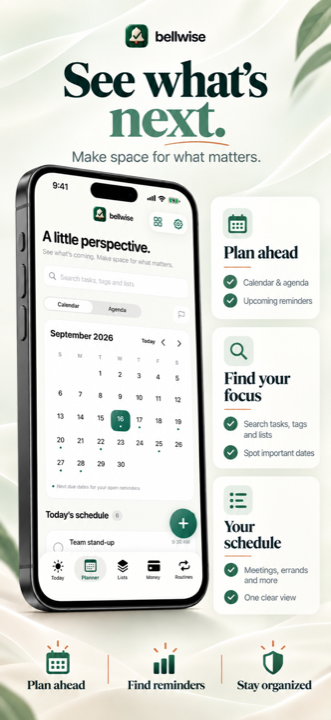
A month calendar with a dot on every day that has something due, plus a searchable agenda. Double-tap a day to add a reminder on it.
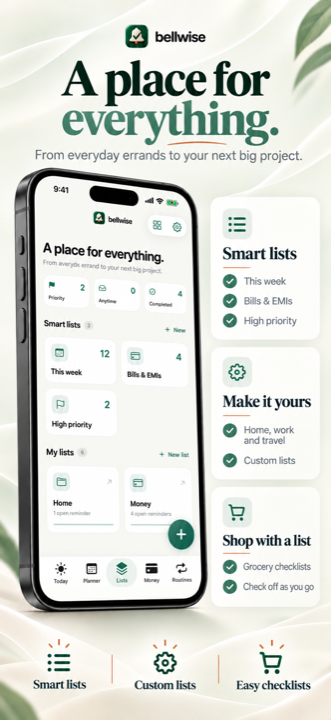
Make your own lists, then save smart lists like This week, Bills & EMIs or High priority that keep themselves up to date.
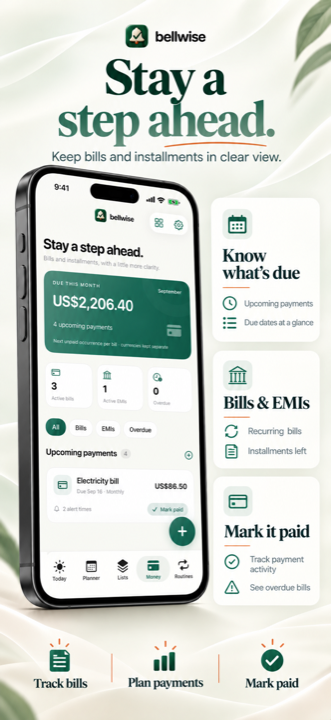
See the total due this month, mark a payment as paid, and keep a history. Installments count down. Currencies stay separate.
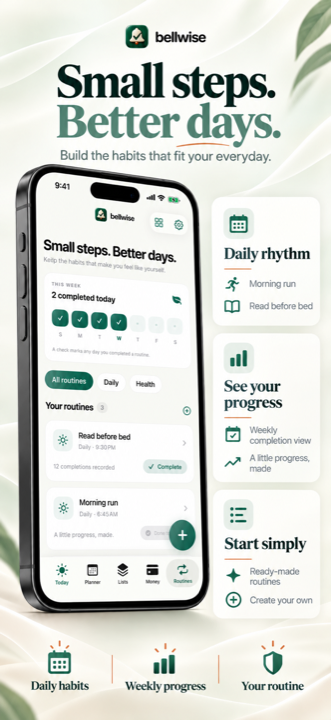
Daily, weekday, weekly, monthly or yearly repeats, a week view of what you completed, and a streak worth keeping.
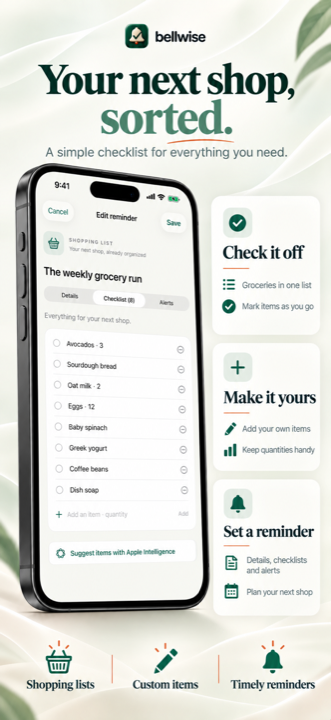
Build a list from a catalog of everyday items sorted by aisle, or save your own favourites and add them in one tap next time.
Early reminders, follow-ups if you miss one, snooze, and time-sensitive delivery so a bill notice is not buried.
Type “Pay the electricity bill friday 6pm !! #Money” and Bellwise reads the date, the priority and the list before you save.
See what is due today and tick an item off without opening the app. A Lock Screen widget keeps the count in view.
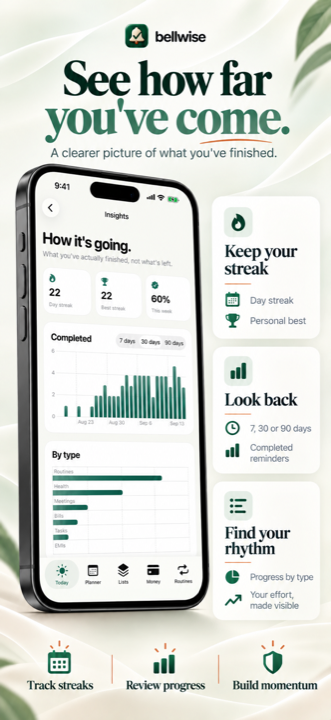
Your streak, what you completed over 7, 30 or 90 days, a breakdown by type and what you have paid by month.
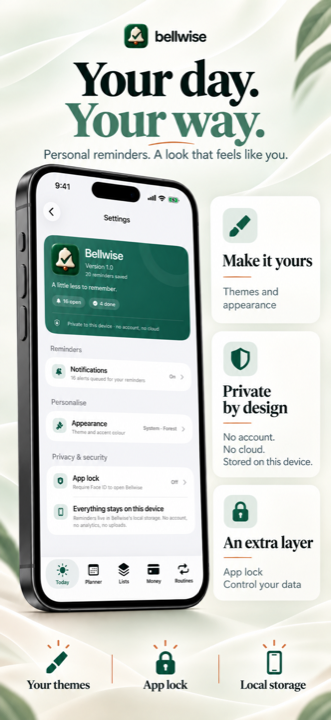
Forest, Ocean, Plum, Terracotta, Amber or Slate — the whole app, the widget and even the app icon follow your choice.
Face ID or Touch ID on launch, and a backup you can export or import yourself. Nothing is uploaded, ever.
Bellwise has no account, no sign-in and no server of ours. Your reminders live in the app's own storage on your device, and that is the only copy there is.
Read the full privacy policy.
Bellwise is built for iPhone and iPad, with a Mac app from the same code and the same promise about your data.
Everything within thumb reach, with the add button in the bottom corner and swipe actions on every reminder.
A sidebar layout that uses the wider screen, with drag-to-reorder checklists and full keyboard support.
Add a reminder by voice, build your own shortcuts, and find reminders straight from search.
No. There is no sign-up, no sign-in and no profile. Open the app and start adding reminders.
In the app's own storage on your device. It is included in your normal device backup if you have one, and it is never uploaded to us, because there is no server to upload it to.
Not in this version. Each device keeps its own reminders. You can export a backup from Settings and import it on another device.
No. Bills and EMIs are tracked manually as a memory aid. Bellwise never connects to a bank, moves money or sets up autopay.
On devices that support Apple Intelligence it suggests checklist steps or shopping items for the reminder you are editing. The suggestion is generated on the device and nothing is sent anywhere.
Write to us from the contact page and we will reply by email.
Add one reminder, one bill and one routine. That is usually all it takes.